8 Skills to Learn Online for Free (And What “Free” Actually Means)
Most articles covering this topic online follow the exact same pattern: they first list out the relevant skills to learn one by one, then randomly paste a somewhat related course link at the end, skip straight to other content without adding any useful supplementary analysis.
This type of writing is actually of no real practical help at all, and it is completely useless for people who truly want to get started with learning the subject.
If you plan to learn something new using free online resources, you will find that the hardest part is never just scraping together a course you can take—there are far too many free courses online, and a single search can pull up dozens or even hundreds of them. The real difficulty is telling which free resources are actually worth spending time on, which you can follow step by step to genuinely get the hang of the subject, and which are shoddy scams that will waste three full hours of your time, only for you to realize halfway through that their content is long outdated, unable to keep up with current demands, or that they are too superficial and shallow, floating on the surface with zero substantial, usable content.
The perspective of this article is different from what you usually encounter. When people talk about learning skills, they always start by mentioning how much money they need to spend to sign up for courses. This time, it is the opposite: it only discusses the possibility of learning for free, and clarifies three things in total: which skills you can really practice to a usable level without spending a penny; among the numerous online resources that claim to be free, which ones are truly useful and not a scam; and what things can never fully replace paid learning no matter what, if you only rely on a completely free learning path all the way.
Going back to the issue of “free”, it does not mean you can get all resources without any restrictions.
Some platforms are very open, with all their content fully accessible, and you can use all their functions for free for your entire life. freeCodeCamp is an example of this type of platform.
There is another type of platform where most content is also available for you to watch for free, but if you want to get a learning certificate, or use advanced exclusive learning modules, you have to pay to unlock them. Such platforms include Coursera, as well as platforms linked to YouTube, such as Google’s own certificate preview content.
Despite these differences, as long as you can truly learn skills relying on the content on the platforms, both types can be counted as “free” learning resources. After all, what helps you master a skill is never that certificate, but your own solid practice.
1. Writing and Content Skills You Can Learn Online for Free

This covers everything from blog writing to ad copy to social captions, basically any writing meant to be read online rather than printed. You don’t need a paid course to learn the fundamentals here. Studying real posts and ads, breaking down why they work, and rewriting them in your own words teaches more than most beginner paid courses do.
Free resources worth using: Copyblogger’s free archive, HubSpot Academy’s free content marketing courses, and swipe files shared freely by writers on platforms like Twitter/X and LinkedIn.
What free can’t fully replace: direct feedback on your writing from someone experienced. You can get around this by posting your work in free writing communities on Reddit or Discord and asking for honest critique.
2. Coding and Building Simple Websites
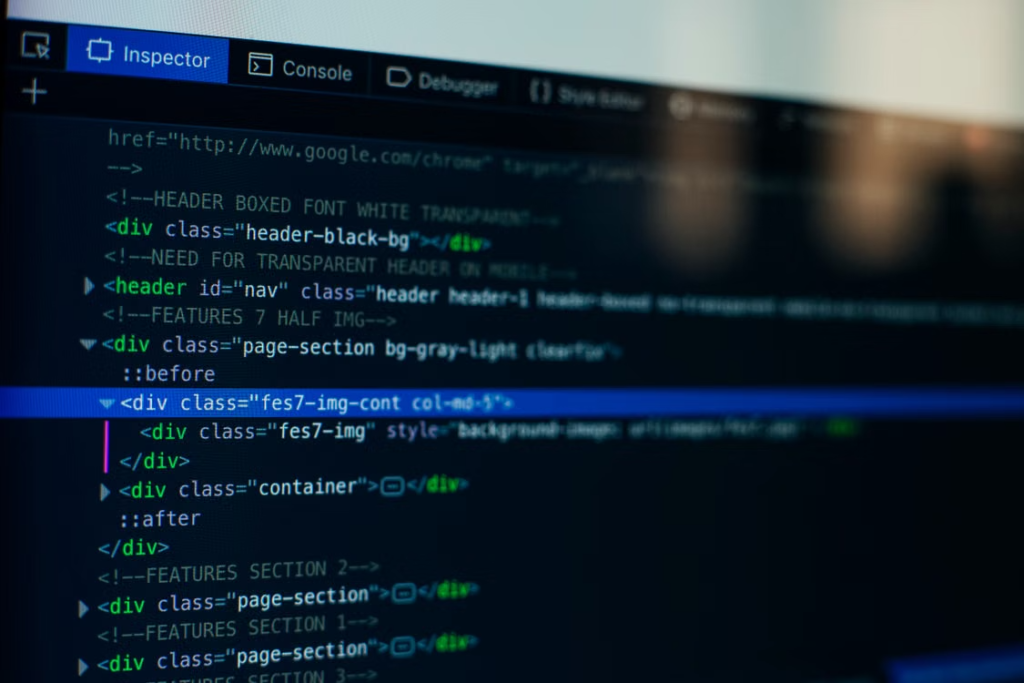
This is probably the single best-covered free skill online. freeCodeCamp alone can take someone from zero to building real projects, entirely free, including a certificate. The Odin Project is another strong, completely free full curriculum for web development.
Where people go wrong: watching tutorials passively without building anything of their own. The skill only sticks when you build something from scratch, even something small and ugly, instead of just following along.
3. Visual Design and Branding Basics
This is design in the practical sense, logos, social graphics, presentation slides, not fine art. You don’t need Adobe Photoshop to start. Canva’s free tier covers most beginner and even intermediate design needs, and its own tutorials teach basic design principles like contrast, spacing, and color theory along the way.
Free resources worth using: Canva Design School, and YouTube channels dedicated to breaking down real design examples, why a poster or ad layout actually works.
What free can’t fully replace: deep, professional-level tools like advanced Photoshop compositing. But for most practical needs, freelance gigs, and small business work, free-tier tools are genuinely enough.
4. Working With Data and Numbers
This means reading spreadsheets, spotting patterns, and explaining what numbers mean in plain language, not becoming a data scientist. Google Sheets and Excel both have extensive free tutorial content, but the more useful free resource here is Kaggle, which lets you practice on real datasets while learning, instead of only working through abstract lessons.
How to actually get good: pick a dataset you’re personally curious about, sports stats, movie ratings, anything, and try to answer a real question with it. That kind of self-directed practice builds the skill faster than generic exercises.
5. Photography and Visual Storytelling
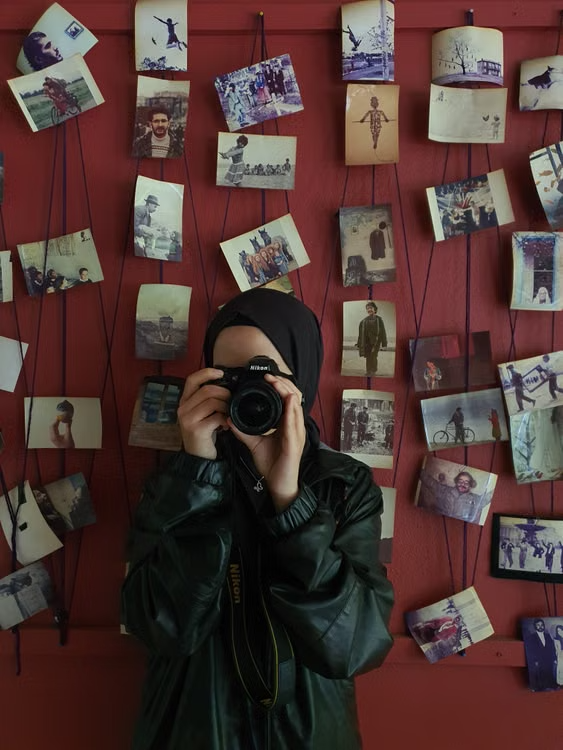
You don’t need an expensive camera to start. Most phones today are capable of solid photography, and the real skill gap is usually composition and editing, not equipment. Free resources like YouTube channels dedicated to phone photography, and free-tier tools like Lightroom Mobile or Snapseed, cover this well.
Where this pays off: small businesses, food pages, real estate listings, and social media accounts all need decent photos regularly, and someone who can shoot and edit cleanly on a phone can pick up small paid gigs faster than people assume.
6. Personal Finance and Money Basics

This one rarely shows up on “skills to learn” lists, but it arguably affects more of daily life than most technical skills. Free resources like Investopedia’s guides, YouTube channels run by licensed financial educators, and free budgeting templates cover the fundamentals well.
The free route here has almost no real limitation, since the basics of budgeting, saving, debt management, and understanding compound interest don’t require paid courses at all. What’s missing from free content is usually personalized advice for complex situations, which is where a licensed advisor becomes worth paying for.
7. Project and Task Management
Free tools like Trello, Notion, and Asana’s free tier let you actually practice organizing real projects, not just read about project management theory. Google also offers a free preview of its Project Management Certificate content through Coursera’s audit mode, covering the core frameworks used in real workplaces.
This skill tends to be undervalued because it doesn’t produce a flashy portfolio piece. But almost every team, remote or in-person, needs someone who can keep a project organized and moving, which makes it a quietly reliable skill to have listed on a resume.
8. Foreign Language Learning
Language apps like Duolingo, and free resources like the BBC Languages archive or language-exchange communities on Reddit and Discord, make this one of the more genuinely complete free learning paths online. Unlike some technical skills, language learning doesn’t hit a hard wall at the free tier, since fluency mostly comes from consistent practice rather than paid content.
What actually works: pairing an app for vocabulary and grammar with a free language-exchange partner for real conversation practice. Apps alone tend to plateau people around a basic intermediate level.
Here’s a quick side-by-side comparison of these free skills, the best resource for each, and a realistic timeline to get useful at it.
Comparing These Skills at a Glance
| Skill | Best Free Resource | Realistic Time to Usable Level |
|---|---|---|
| Writing and Content Skills | Copyblogger, HubSpot Academy | 4–8 weeks of regular writing |
| Coding and Web Development | freeCodeCamp, The Odin Project | 3–6 months for basic projects |
| Visual Design and Branding | Canva Design School | 4–6 weeks |
| Working With Data and Numbers | Kaggle, Google Sheets tutorials | 6–10 weeks |
| Photography and Visual Storytelling | Lightroom Mobile, Snapseed, YouTube | 3–5 weeks |
| Personal Finance and Money Basics | Investopedia, budgeting templates | 2–4 weeks |
| Project and Task Management | Trello, Notion, Coursera audit mode | 4–6 weeks |
| Foreign Language Learning | Duolingo, language exchange partners | 3–6 months for conversational level |
What I Learned From Trying Free Resources Myself

About six or seven months ago, I spent a lot of time researching free learning resources. I found plenty of good skills to learn, but I also ran into a common problem: some topics just don’t click until someone actually explains them to you. Meta Ads was one of those.
I started learning it through YouTube, and after watching three or four videos, I only understood about 40-60% of it. It left me pretty confused. But instead of giving up or paying for a course, I reached out to a few people who already knew the subject and learned it through conversations with them. That’s how I avoided spending money on a paid Meta Ads course.What this taught me is simple: if you’re determined to learn something, the internet today gives you everything you need to actually do it.
How to Pick One Without Wasting Time
Don’t try to sample five different free skills for a week each. That usually just produces five half-finished tutorials. A better approach is picking one skill, committing to a single free resource for at least three weeks, and only reassessing after you’ve actually built something with it, whether that’s a small project, a portfolio piece, or a real piece of writing.
Frequently Asked Questions
Can you really learn a job-ready skill for free?
Yes, for many skills. Coding, design, data work, and personal finance all have free resources built by credible organizations that are genuinely used by professionals. The gap is usually not the resource, it’s consistency.
Are free certificates from these platforms worth anything?
They can help, especially from recognized names like Google or Coursera, but most employers and clients care more about a working portfolio or demonstrated skill than the certificate itself.
How is free learning different from paid courses?
Paid courses often add structure, direct mentorship, and community accountability. Free resources usually require more self-discipline to reach the same result, but the core content quality gap has narrowed significantly in recent years.
What’s the biggest mistake people make with free learning?
Passively consuming tutorials without building anything real. The skill only becomes usable once it’s applied to an actual project, not just watched.
Q: Can you really learn something like Meta Ads for free, or do you need a paid course?
A: In most cases, yes — you can learn it for free, but it might take a bit more effort than just watching tutorials. Video content alone often gets you partway there; the harder parts usually click once you talk to someone who already knows the subject. Free Facebook groups, Discord communities, or even a quick conversation with someone experienced can fill that gap without paying for a course.
Written by Ahtisham
Tech enthusiast and student passionate about AI and digital skills.